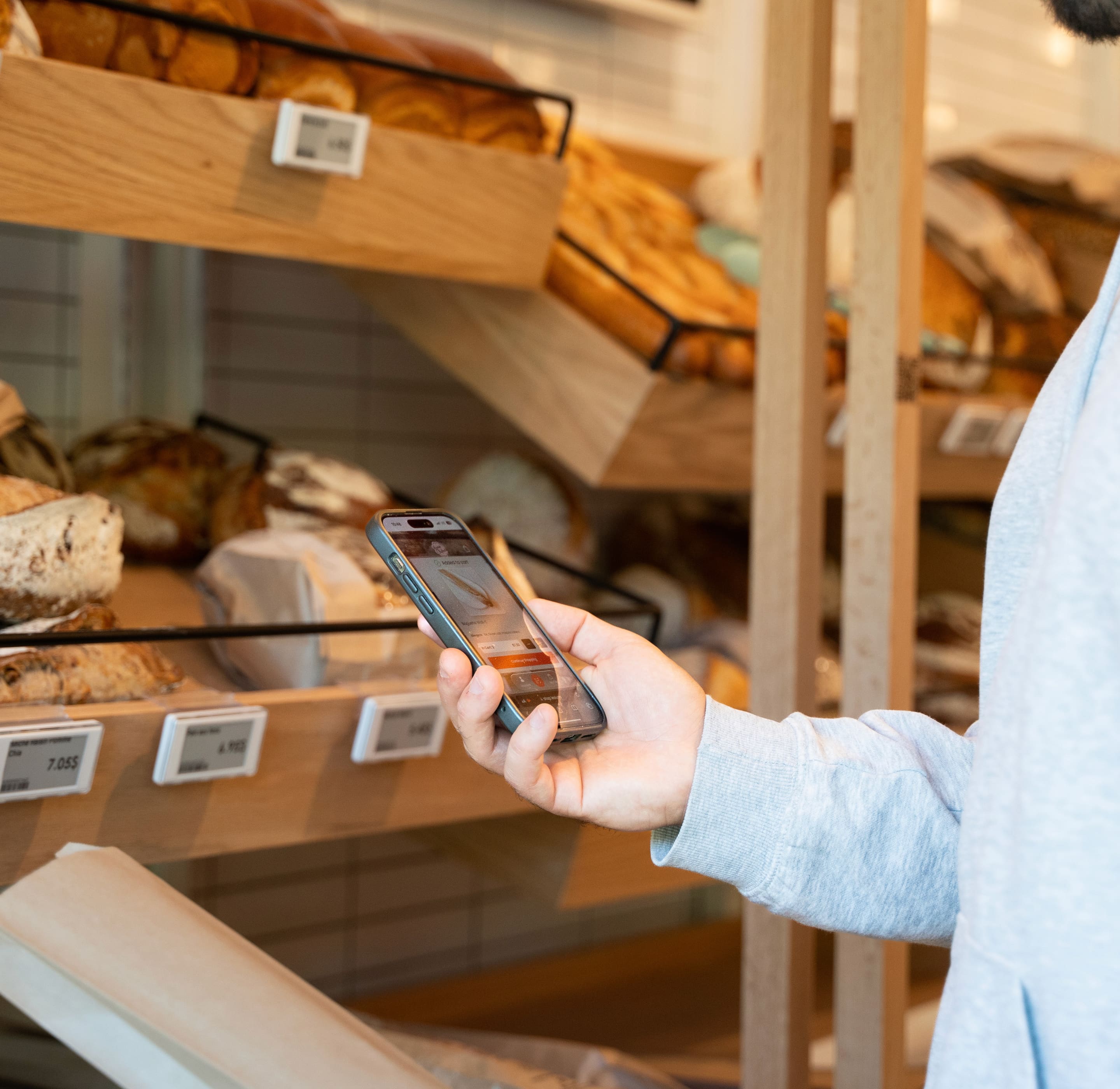
Scan & Go programs for retailers
Scan & Go, built around your stores.
We design and implement Scan & Go through App Clips, existing retailer apps, custom applications, SDKs, and connected commerce systems, matched to your store format and operations, not forced into a generic template. Generic self-checkout was never designed for your format, and fixed kiosks are expensive to scale.
Built in real stores
We have been building Scan & Go in the real world for years.
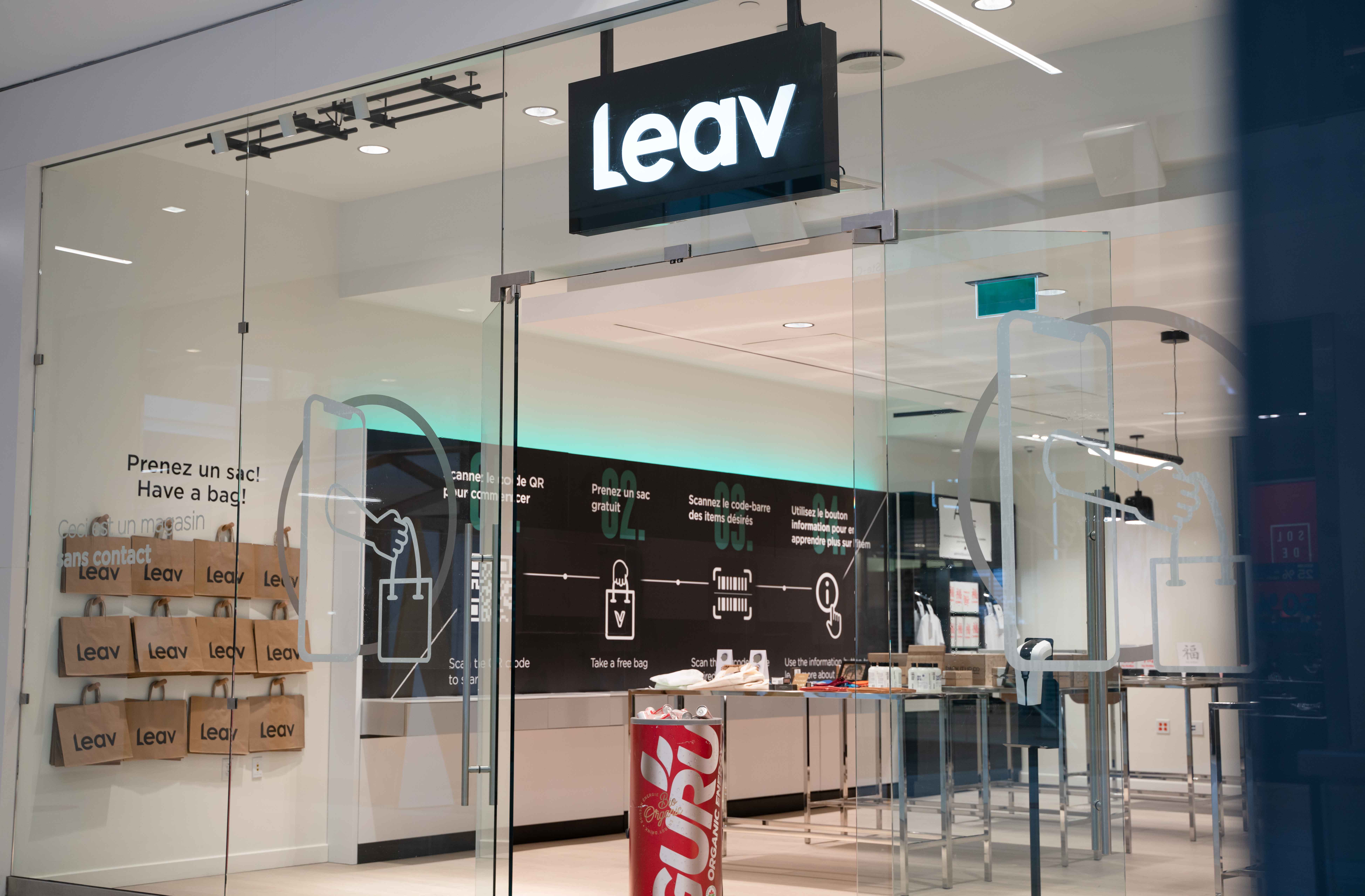
Our Scan & Go experience comes from years spent designing, implementing, and operating self-checkout technology alongside retailers, working store by store to build the tools that let a shopper scan, pay, and leave without a line.
- Mobile self-checkout that works without a kiosk on the wall
- Mobile point of sale for staff-assisted and hybrid checkout
- Access control and customer authentication for unattended or after-hours shopping
- Deployments across traditional stores, high-volume retail, and Shopify environments
How it runs
The whole checkout, on the shopper's phone.
One scan opens the store. Every step after it, from browsing to a confirmed purchase, happens in the same screen.
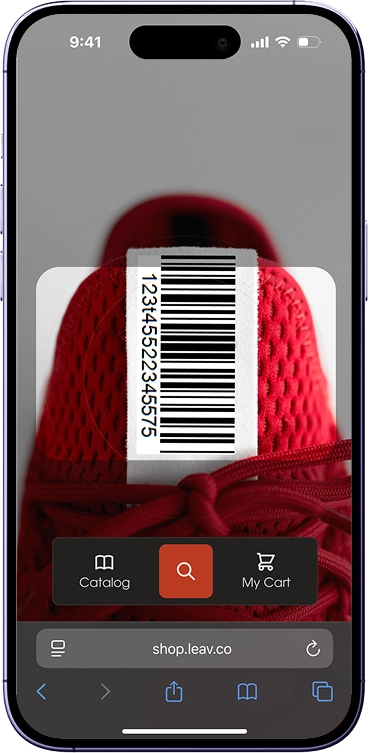
Open the camera, scan the barcode.
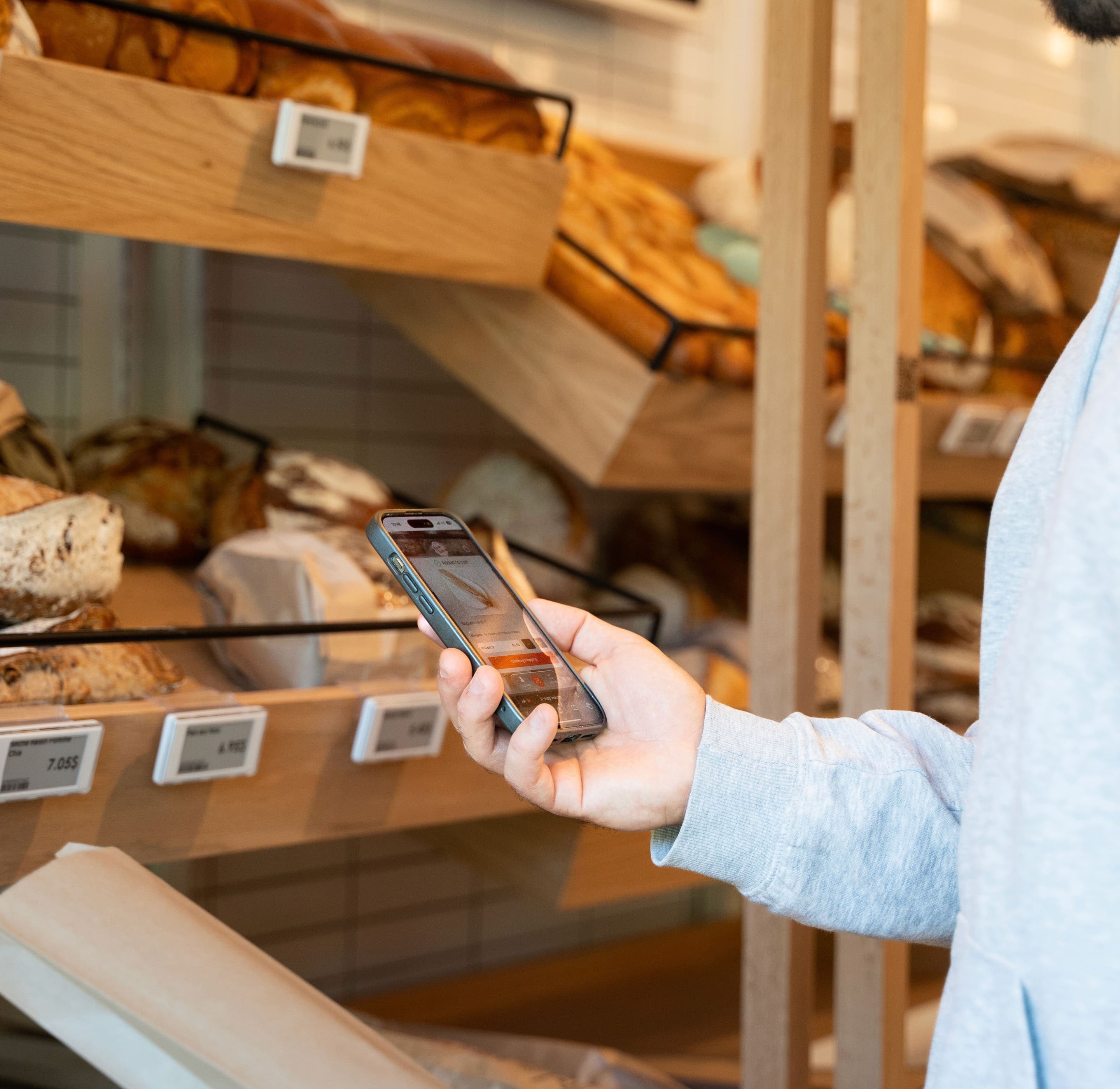
A shopper points their phone at a product barcode and the store opens instantly, no full app to install first.
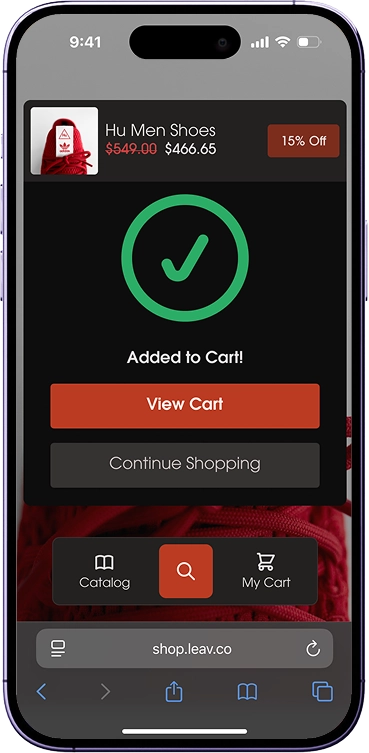
Items land in the cart, priced and ready.
The item confirms itself as added, price and any offer already applied, with the option to keep browsing.
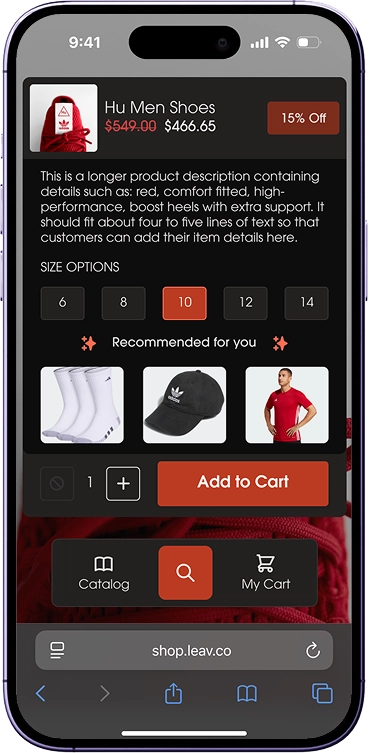
Full product detail, and what to add next.
Sizes, pricing, and related items sit on the same screen, so one scan can grow into a full basket.
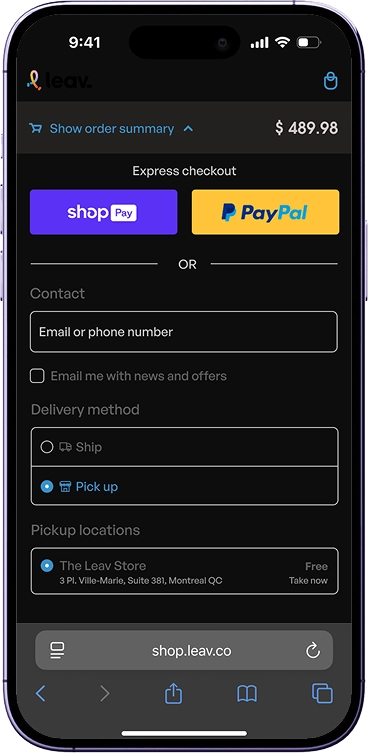
Express checkout, using the accounts shoppers already have.
Shoppers pay with the wallets and cards already on their phone, and choose pickup or delivery where the retailer supports it. Identity and loyalty requirements vary by deployment.
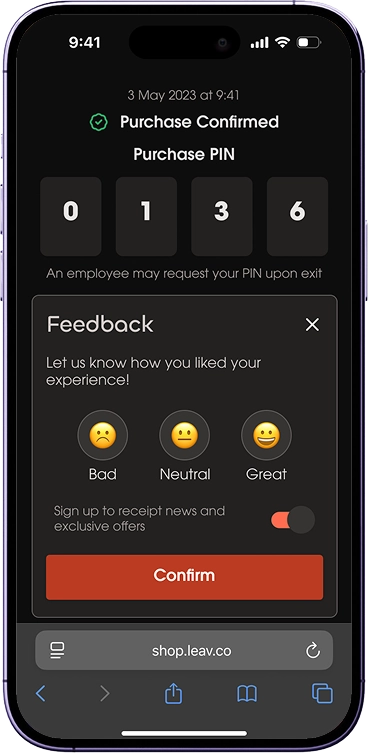
Purchase confirmed, right on the phone.
The receipt appears immediately, and where the retailer requires it, an exit or basket verification step happens in the same screen, so checkout stays on the phone from start to finish.
Five ways to deploy
Choose the right experience model.
Scan & Go is not one product. It is a capability we deliver through the model that fits your stores, your systems, and your timeline.
Fidget App Clip
A shopper scans an App Clip Code or QR code and opens a fast, native-feeling Scan & Go experience with no full app to install. Useful for retailers without an existing consumer app, pilots, seasonal stores, events, stadiums, pop-ups, and convenience formats. Main advantage: the lowest barrier to a first launch. An Android-compatible web experience covers the same flow where an App Clip is not available.
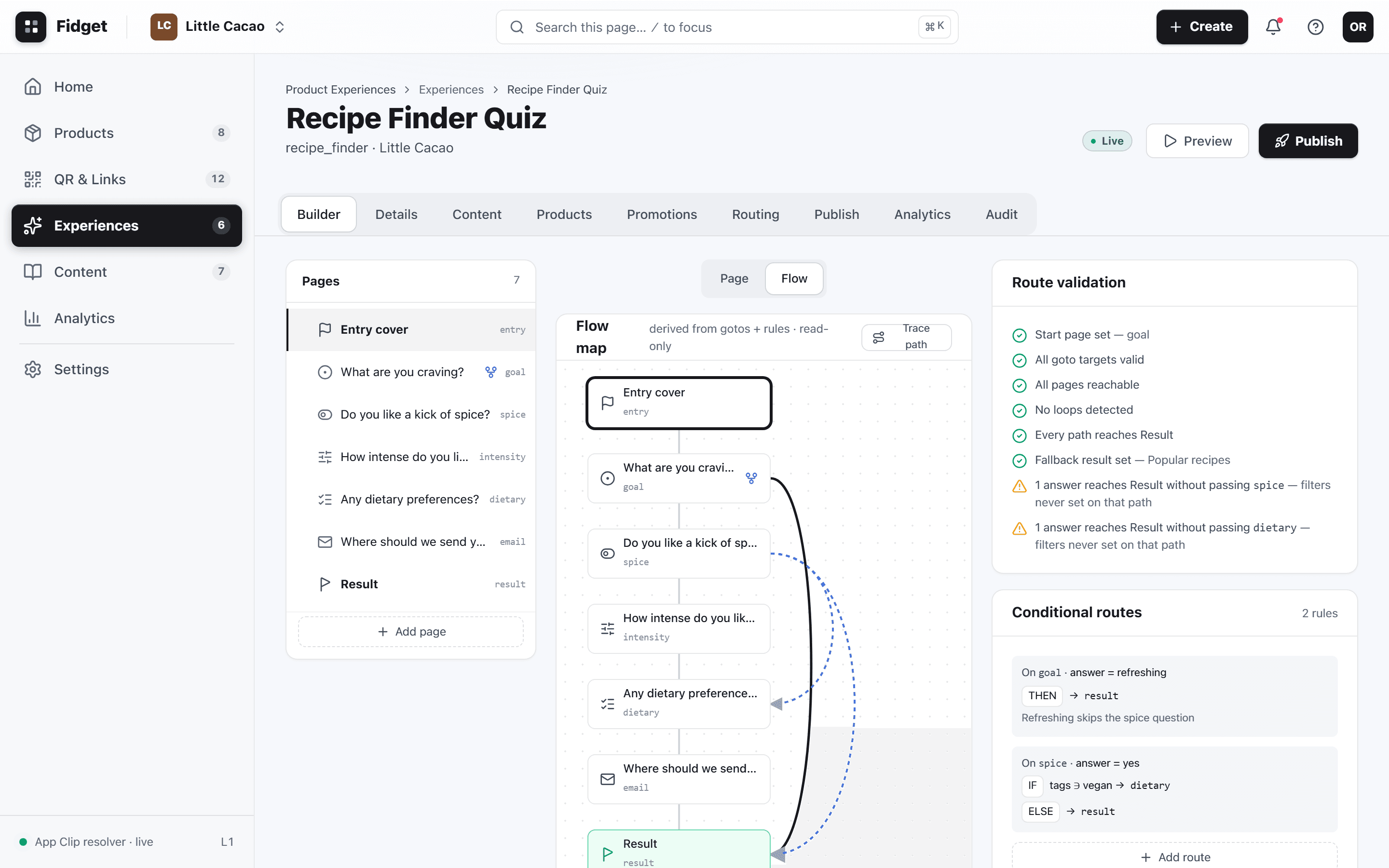
Beyond the scanner
More than scanning products.
Every retailer configures the journey differently. Store entry and what happens after checkout extend well past the scan-to-cart-to-pay flow shown above.
Enter the store
The shopper enters or identifies the store, in person or through a store-selection step in the app.
Launch the experience
Configurable per retailer: an App Clip, the retailer's own app, a QR code, a membership account, or another store-entry flow.
Prices, offers, and loyalty
Live prices, promotions, coupons, personalized pricing, and loyalty benefits, where the retailer's systems support them, layer into checkout.
Continue after the visit
Post-visit messaging, loyalty updates, and reorder paths continue the relationship, where the retailer configures them.
Designed for operations, not just the demo
A successful Scan & Go program is an operational system, not just a mobile interface.
Behind the shopper's simple experience, commerce systems, identity and loyalty platforms, and store operations all have to work together. What happens when a barcode will not scan. How promotions get calculated and inventory stays current. How staff see active carts, how approvals and exit verification work, how the experience holds up on weak connectivity, and how it runs alongside staffed checkout. We do not answer every one of these on this page; we design for them from the start.
Journey design
The full shopper path from entry to receipt, mapped to the store format before anything is built.
Store workflow design
How staff, carts, and exceptions move through the store during a live shift.
Technical architecture
The system design connecting the experience to the retailer's stack.
Integration
Connections to commerce, identity, and operational systems, scoped to what the retailer actually runs.
Where this capability applies
Retail formats we design for.
The customer journey, integration depth, and operational model change by format. None of these run on the same configuration. We also design for apparel, hardware, food service, campus and workplace retail, membership retail, and seasonal pop-ups. Tell us your format and we will show you the fit.
- Grocery and convenience
- High item counts and variable-weight products shape the scan and pricing flow.
- Specialty retail
- Fewer SKUs, more product guidance built into the journey.
- Beauty
- Routine and recommendation moments sit alongside the checkout path.
- Stadiums and events
- High-volume, time-boxed demand with temporary or pop-up deployment needs.
- Pop-up stores
- Fast setup and teardown favor the App Clip deployment model.
- Autonomous and hybrid stores
- Access control and exit verification carry more of the operational weight.
Let's design the Scan & Go model that fits your retail environment.
Whether the right starting point is an App Clip pilot, an integration into your existing app, a custom build, or a Shopify deployment, we can help define it.